WordPress Dashboard Analytics Without Google Analytics
Editors should not need a Google account to see if a post moved. First-party WordPress dashboard analytics keep the numbers next to the work.
29th of July, 2026 4 min read uiXpress
The default WordPress dashboard is a stack of widgets: At a Glance, Activity, WordPress News, and whatever each plugin decided to inject. It is not an analytics dashboard. If you want to know whether traffic moved this week, you leave wp-admin and open Google Analytics, a hosting panel, or a third-party script manager.
That split is why people search for “WordPress dashboard analytics,” “custom WordPress admin dashboard,” and “WordPress dashboard plugin.” They want the numbers next to the work — publish a post, check the lift — without sending every visitor hit to Google by default.
The problem with GA-first WordPress analytics
Google Analytics 4 works. It is also a separate product, with consent banners, cookie conversations, and a UI that is not the WordPress admin. Common complaints we see in search data are literal: “Google Analytics not working WordPress,” missing tags, consent mode eating events, and ad blockers dropping the beacon.
Even when GA works, it is the wrong surface for a Monday publishing meeting. Editors should not need a Google account to see whether yesterday’s article moved.
Privacy is the other pressure. Plenty of sites can explain their traffic from first-party data stored in their own database: page views, referrers, devices, and active users. That is enough for editorial and agency reporting. It is not a replacement for marketing attribution. It does not need to be.
What belongs on a WordPress analytics dashboard
A useful dashboard is a set of cards with a shared date range, not a widget soup.
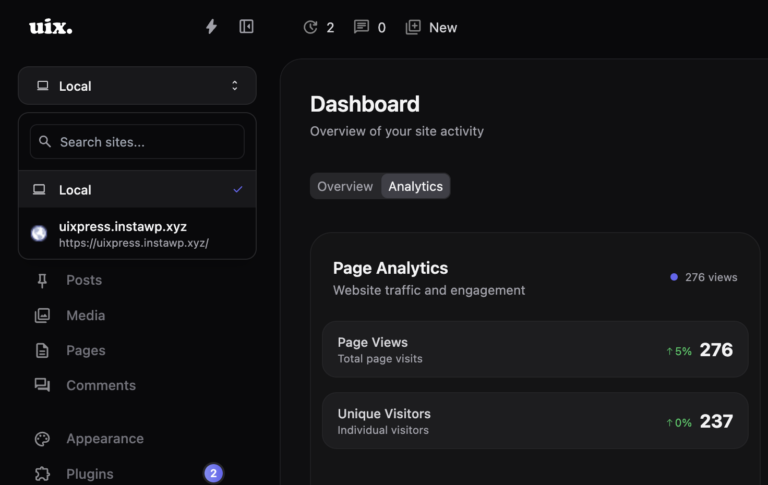
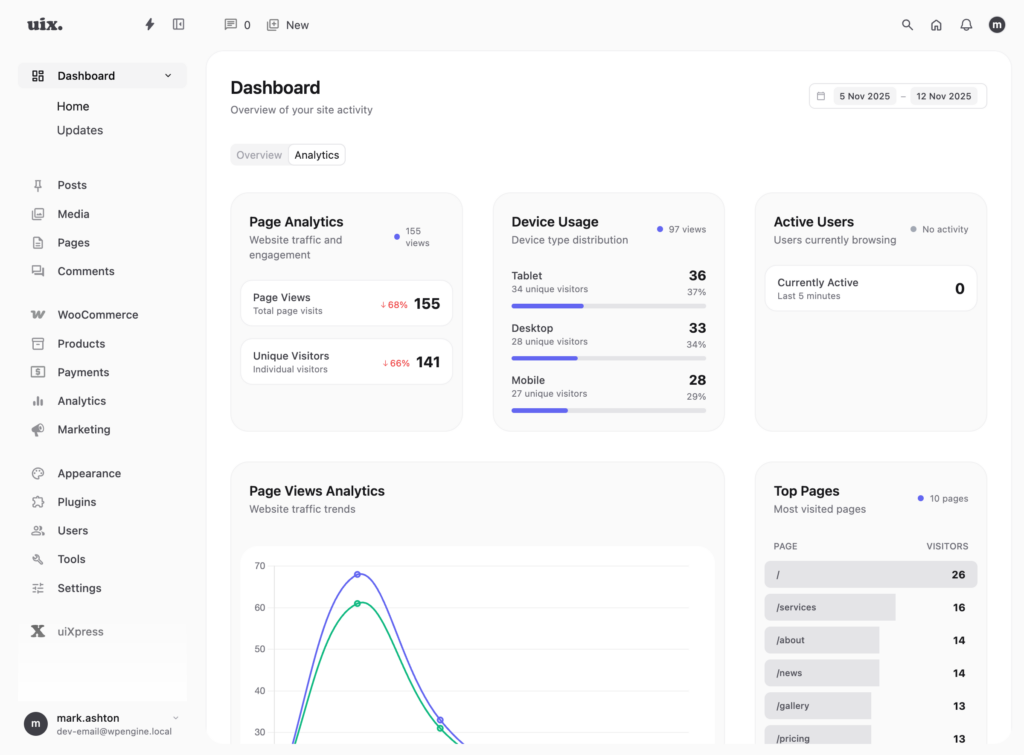
- Page views and unique visitors with a comparison to the previous period
- Top pages so you can see what is actually earning attention
- Devices — mobile vs desktop still changes how you write and design
- Referrers so you notice a campaign or a listing that started working
- Active users if you care about “is anyone on the site right now”
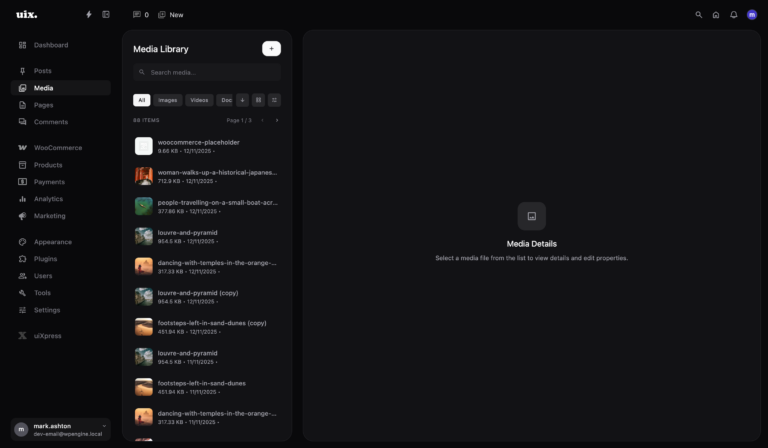
- Publishing context — scheduled posts, recent comments, media storage
- System health — PHP memory, updates, disk. Not analytics, but it belongs on the same home screen
If a card does not change a decision this week, remove it. The default WordPress News widget fails that test for almost every client.
Privacy-first does not mean “no numbers”
First-party analytics stored in WordPress can be intentionally limited: no cross-site identity, no advertising profile, no raw clickstream sold onward. You still get trend lines. You still get “this page is up 20% versus last week.”
Be honest with clients about what you are not measuring. You will not rebuild GA4’s funnel reports in a dashboard card. You will answer “is the site moving?” without another login.
How to replace the default WordPress dashboard
- Decide who the home screen is for. Editors, shop managers, and administrators need different cards.
- Remove core widgets that leak branding or noise.
- Put a date range at the top of the dashboard so every card agrees on the window.
- Keep publishing tools next to the numbers. A scheduled-post calendar beside traffic is more useful than either alone.
- Use roles so clients cannot hunt for plugin settings from the same screen you use for ops.
This is custom WordPress admin dashboard work. Doing it with three separate plugins — hide widgets, add analytics, restyle the admin — is how the home screen becomes a fourth project.
Dashboard analytics in uiXpress
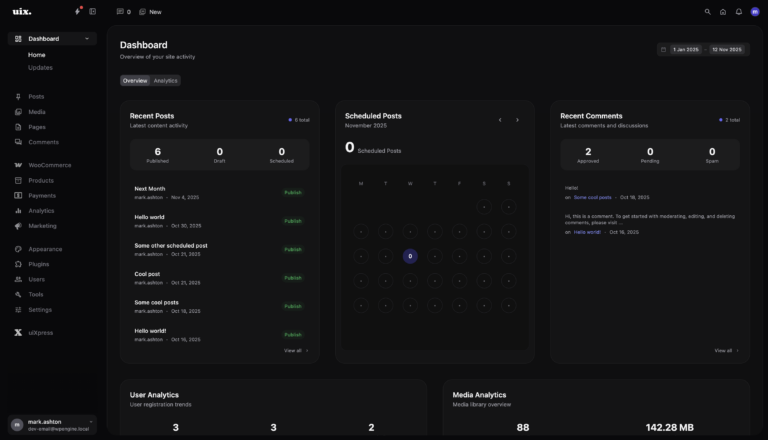
uiXpress replaces the default home screen with a card-based dashboard: 15+ cards for traffic, users, media, scheduled content, and server health. Analytics are privacy-first and stored on your site. A global date picker updates the cards together.
That is the product answer to “WordPress dashboard plugin” that is not just a widget manager. You get a modern WordPress dashboard theme and the metrics layer in one admin.
Developers can add cards through the Dashboard Cards API if a client needs a store-specific widget. Most teams can start with the built-in set and delete what they do not use.
When you still need Google Analytics
Keep GA or another dedicated analytics tool when you need:
- Marketing attribution and campaign parameters
- Cross-property reporting
- Audience tools you have already built processes around
Run it beside a first-party dashboard, not instead of one. The admin home screen should still work if a cookie banner blocks the Google tag.
A dashboard people will actually open
The test is simple. After lunch, does the team open wp-admin to see the site, or do they open six other tabs? If they only open WordPress to click Posts, your dashboard failed.
Give them a date range, a handful of honest numbers, and the next scheduled post. That is a WordPress dashboard worth keeping. uiXpress is built around that home screen, not around decorating the default widgets.