WordPress 7.1 Admin UI: What Changed and What Agencies Still Need
WordPress 7.1 improved admin navigation and design tokens. It is not the admin redesign agencies still need for dashboards, dark mode, and white label.
20th of August, 2026 4 min read uiXpress
WordPress 7.1 landed on 19 August 2026, timed with WordCamp US. The headline features are easy to list: a persistent admin bar in the editors, a new media editor, richer notes with @mentions, Playlist and Tabs blocks, and a design-system foundation for theming admin interfaces.
If you searched for “WordPress 7 admin UI,” “WordPress new admin ui,” or “WordPress admin redesign,” you were probably hoping this was the year core finally replaced wp-admin. It is not. 7.1 makes the admin more consistent. It does not give you a modern WordPress admin theme, a client dashboard, or a white-label handover.
What actually changed in the WordPress 7.1 admin
The admin bar stays with you
The admin bar now remains visible in the Site Editor and Block Editor. Navigation no longer disappears the moment you start editing. There is a small visual refresh, and the old W-logo corner behaviour has been cleaned up in favour of a clearer back path. If you need the old focus, Distraction Free mode still hides the bar.
If your plugin injects nodes into the toolbar, retest it in the Site Editor. Persistent chrome changes layout assumptions that have been true for years.
A more personal admin, in small pieces
7.1 includes quality-of-life admin work that adds up: the command palette remembers recent commands, the Site Editor respects your admin colour scheme instead of a fixed dark sidebar, and site identity settings (title, tagline, logo, icon) now live under Design → Identity.
These are the right kind of core changes — boring, useful, easy to miss in a recap that only talks about new blocks.
Design system tokens, not a new dashboard
Developers get semantic design tokens and a React ThemeProvider so custom admin panels can follow colour, radius, and cursor styles without hard-coded hex values. The Site Editor is an early consumer.
Read the scope carefully. Full admin theming did not ship. You cannot point 7.1 at a brand palette and get a white-label wp-admin. You can make new admin UI feel more like WordPress. The rest of the dashboard, list tables, and plugin screens are still the classic admin.
Media and collaboration
The new media editor brings cropping, flipping, rotation, and metadata into one workflow. Notes can sit on a text selection, support rich text, and notify people via @mentions. Those features help writers. They do not rebuild the media library or the users screen.
What agencies still need after 7.1
Core should keep improving navigation. Agencies still have to deliver an admin that clients will use.
- A custom dashboard. 7.1 did not replace At a Glance and WordPress News with role-specific analytics.
- A real dark mode. Colour schemes and tokens are not Dark Engine. Plugin screens still need a dedicated approach.
- White label. Login, favicon, footer, and copy replacement remain plugin or theme work.
- Plugin management and activity logs. Operational tooling is still third-party.
- Role-specific menus. Persistent chrome does not hide Plugins from a client role.
The official WordPress 7.1 announcement is the right source for the feature list. The conclusion for product teams is simpler: core is investing in the editor chrome and in APIs. The daily admin for a WooCommerce store or a 40-plugin client site is still yours to design.
Should you update?
Yes. 7.1 is a major release. Update staging first if you run a page builder, WooCommerce, or a heavily customised admin. Pay extra attention to anything that hooks admin_bar_menu or sits next to the editor header.
Also stay current on the 7.0.x security line if you have not already. The August security release included a serious login-page issue. Admin UI news is not a reason to skip security updates.
Where uiXpress fits next to WordPress 7.1
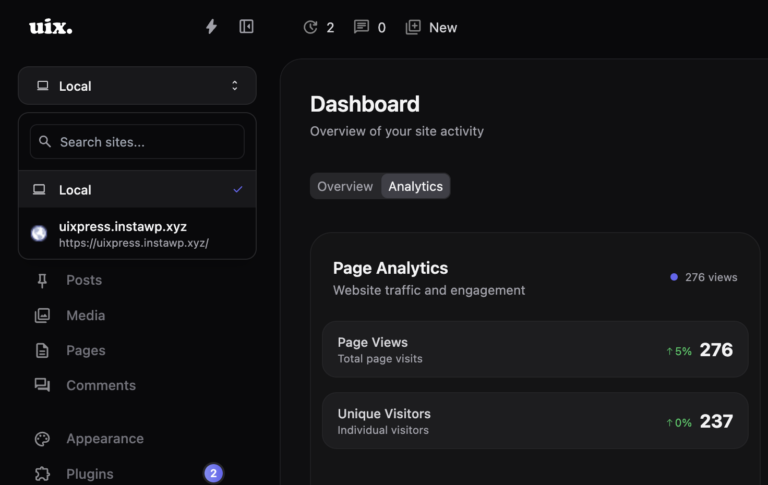
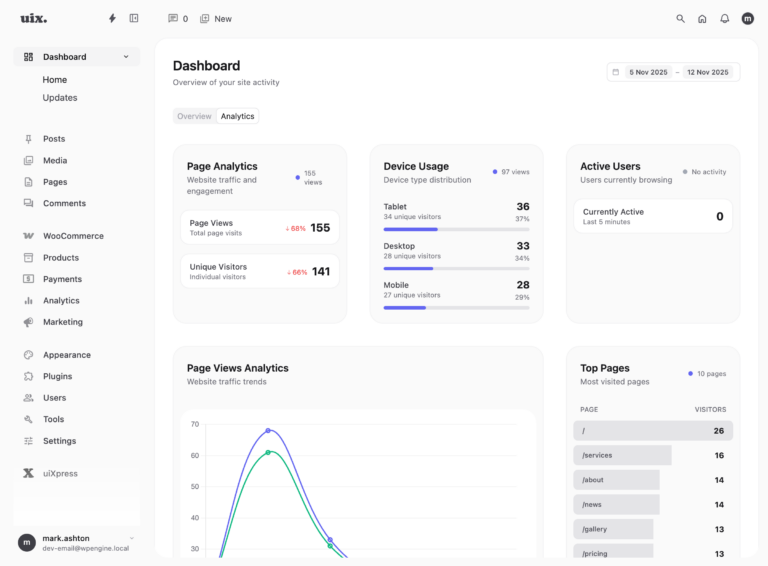
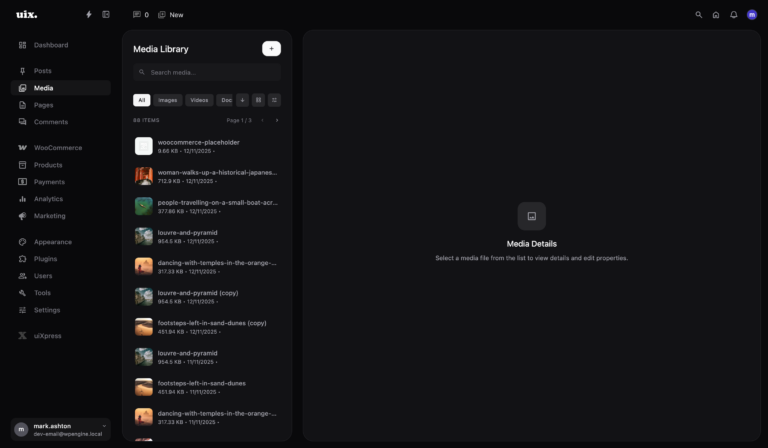
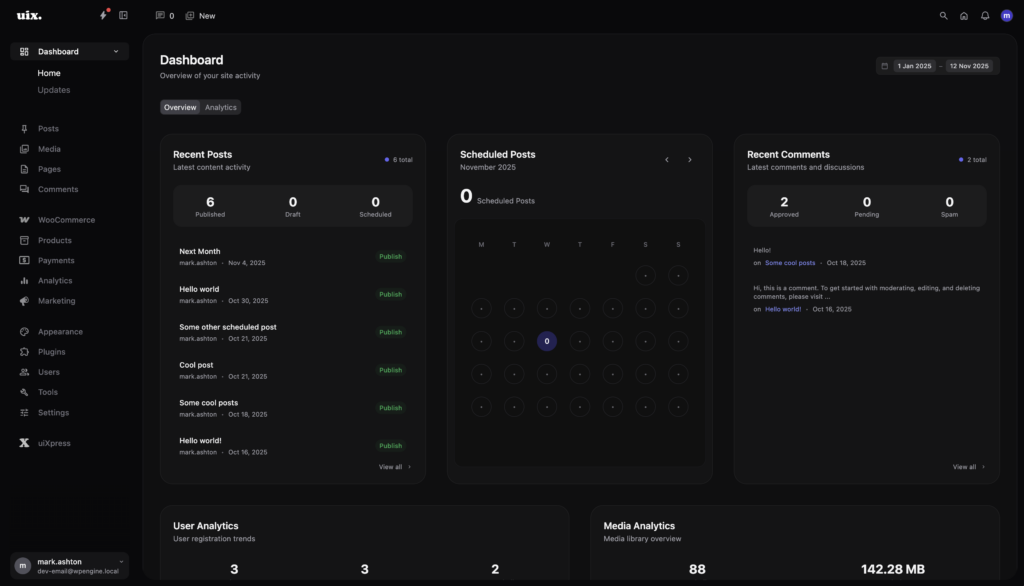
uiXpress is a modern WordPress admin theme: dashboard cards, dark mode, global search, plugin manager, media library, role editor, and white label. It does not fight the 7.1 persistent admin bar. It covers the surfaces 7.1 left alone.
If you build custom admin cards, the new design tokens are worth adopting so your panels track core’s colour system. If you need the whole admin to feel like a product you can hand to a client, tokens will not get you there. An admin theme will.
A sensible 7.1 checklist for teams using an admin theme
- Update staging and walk the Site Editor with the toolbar visible.
- Retest plugin-added admin-bar items.
- Try the new media editor on a real image, then confirm your media-library plugin still owns the library screens you care about.
- If you ship custom React admin UI, plan a token pass. Do not rewrite your whole theme for ThemeProvider in week one.
- Keep your client dashboard, roles, and white label in the admin layer you already trust.
WordPress 7.1 is a better admin to build on. It is not the WordPress admin redesign those search queries are asking for. If you still want a modern dashboard, dark mode, and a branded client experience, that is the job uiXpress is already doing on top of core.