
Broad
plugin compatibility
Dark Engine
Dark Engine rebuilds classic wp-admin, Gutenberg, and the block editor as a true dark theme — scoped CSSOM overrides, not invert filters, with broad plugin compatibility.
14-day money-back guarantee. No performance impact.
Broad
plugin compatibility
CSSOM
scoped overrides
Live
DOM + stylesheet rescans
Gutenberg
+ TinyMCE covered
WordPress admin screens are assembled from core styles, editor iframes, inline declarations, and third-party plugin interfaces. A simple color inversion cannot distinguish a neutral surface from a brand color or an image, which is why conventional dark-mode filters often produce washed-out controls and unreadable plugin pages.
Dark Engine inspects the styles that make up each screen and applies scoped replacements to surfaces, borders, and text. Gutenberg popovers, TinyMCE, dynamically inserted dialogs, and plugin-owned panels are handled as separate contexts so the interface remains coherent while original accent and brand colors stay recognizable.
The engine continues watching after the first render because many WordPress screens load controls asynchronously. Incremental rescans pick up late UI without rebuilding the entire page, and session-level caching reduces repeated work when a user returns to a screen during the same admin session.
Classic WordPress dark mode plugins fight plugin UIs and the block editor because they invert the whole screen. Dark Engine reads stylesheets, inline styles, and computed surfaces, then injects scoped CSSOM overrides — so colors look designed, not flipped.
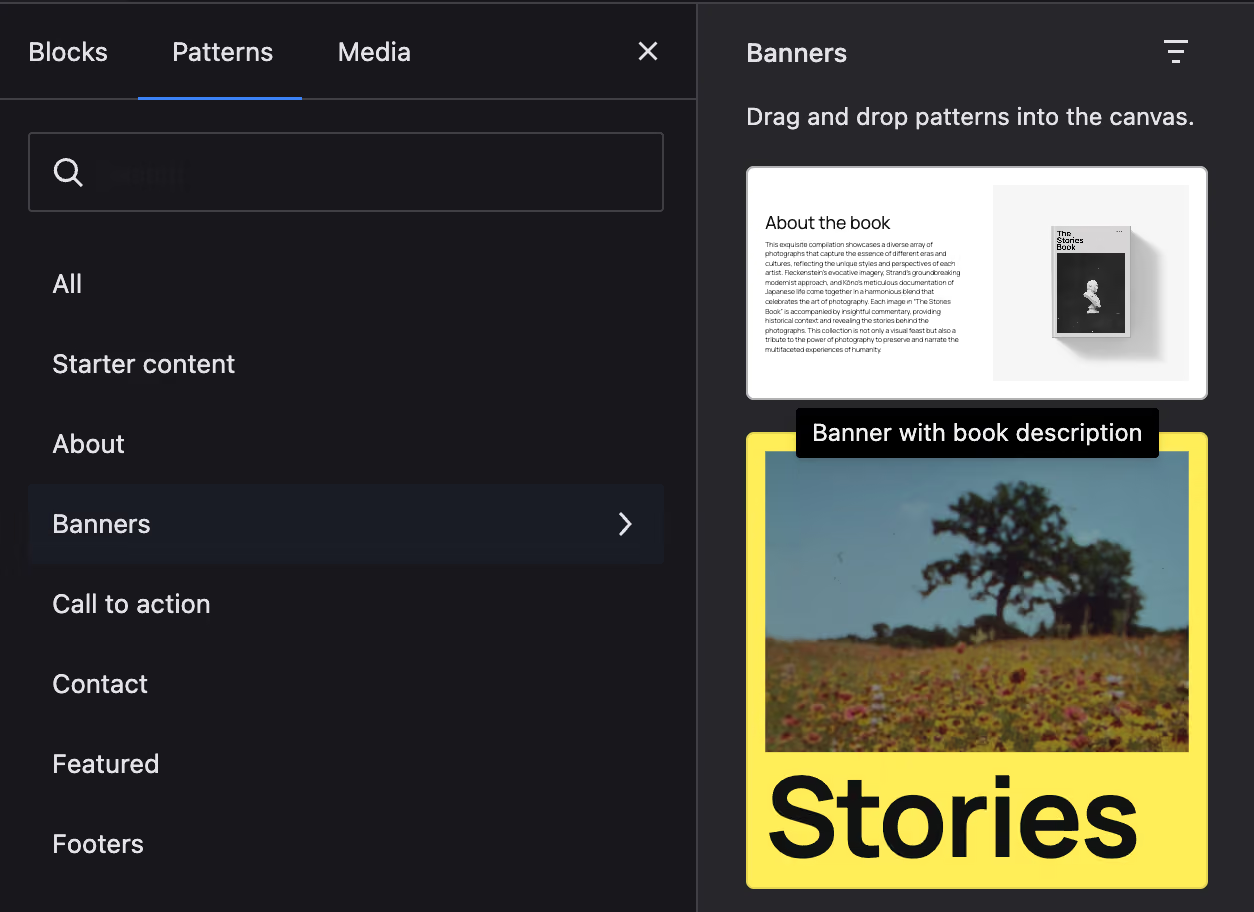
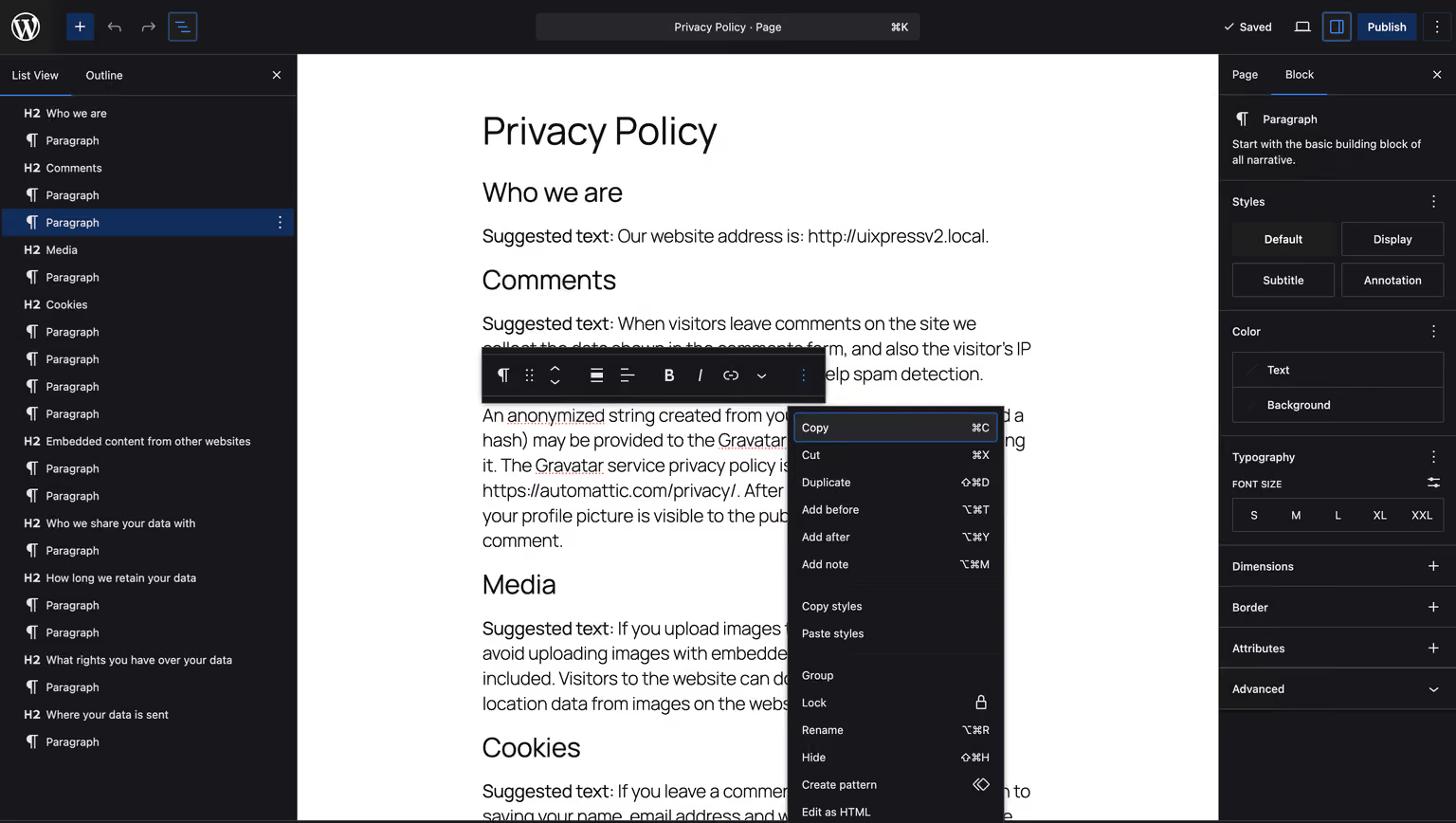
Popovers, modals, toolbars, and the editor canvas iframe get dedicated coverage. Whether you write in the block editor or classic TinyMCE, WordPress dark mode stays consistent instead of breaking halfway through a draft.
Live rescans
Watching admin DOM…
DOM observers and incremental rescans catch dynamically loaded panels, late overlays, and third-party UI that appears after the page loads. Session-scoped caching keeps repeat visits fast, and caches invalidate when themes or settings change.
Capabilities
Stylesheets, @import layers, adoptedStyleSheets, and inline styles are all rewritten into true dark surfaces.
Observers and rescans keep dark mode accurate when plugins inject UI after load.
uiXpress chrome is excluded so your admin UI never gets double-styled or washed out.
Session-scoped page and stylesheet caches make returning to screens feel instant.
Per-user preference that follows the OS — or force a global theme for every account.
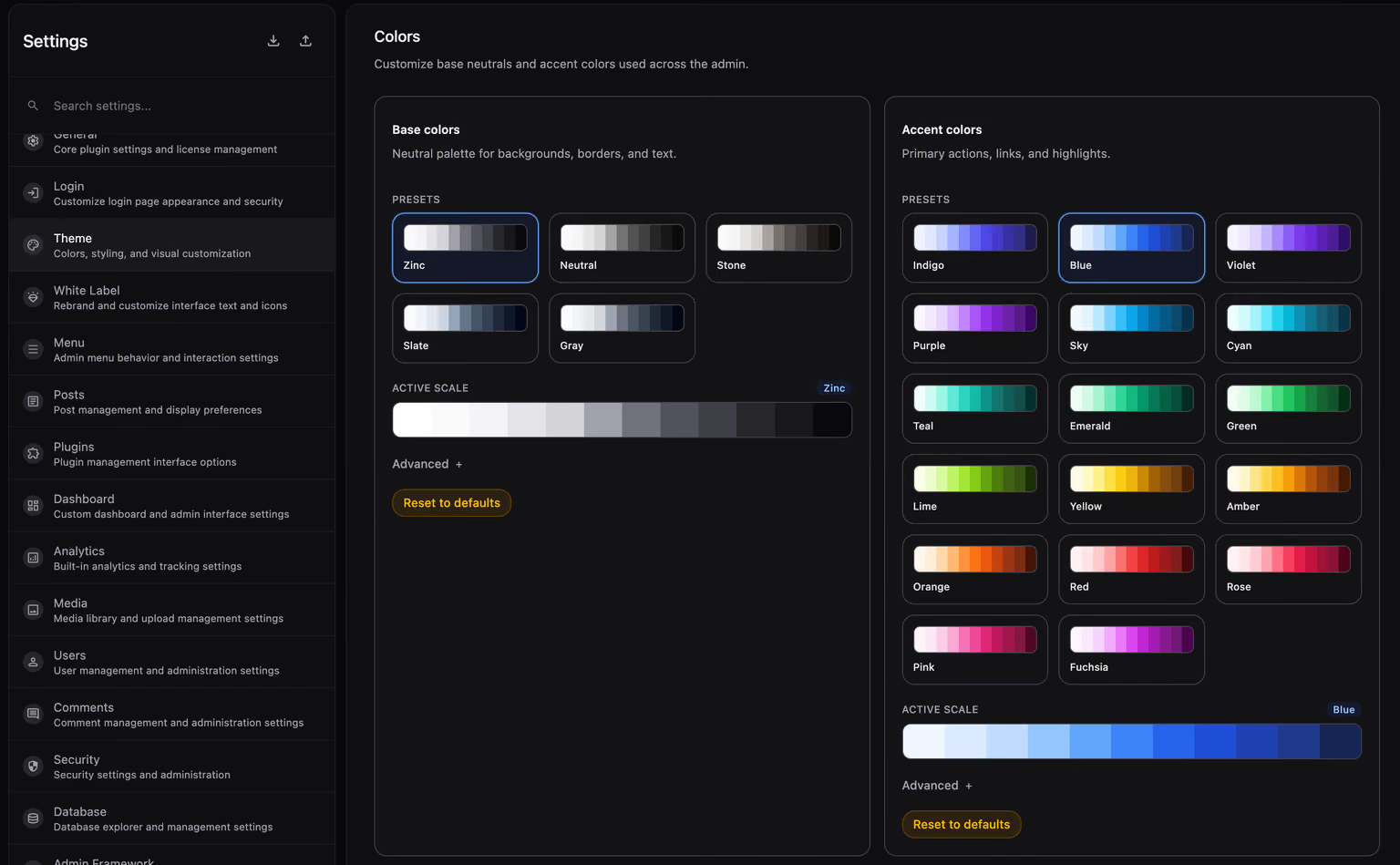
Neutrals map to your Theme Designer scale while brand and accent hues stay intact.
Gutenberg popovers, modals, and the editor canvas get dedicated dark styling.
Classic editor iframes and chrome are styled too — not left behind in light mode.
Built for real WordPress stacks where plugin admin pages have their own CSS opinions.
Get Dark Engine with the full uiXpress toolkit from $97, backed by a 14-day money-back guarantee.