How to White Label the WordPress Admin for Agency Clients
White label WordPress is more than a login logo. Cover the dashboard, menu, favicon, and copy so the first client login feels like your product.
8th of April, 2026 4 min read uiXpress
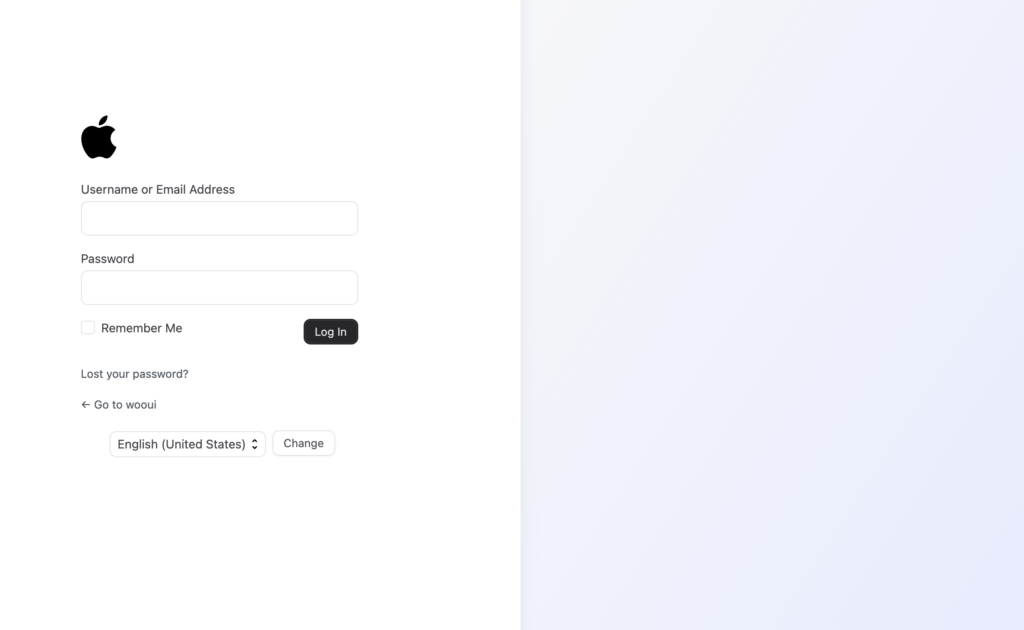
White label WordPress is the difference between handing over a site and handing over a product. The front end already uses the client’s brand. Then they log in and see a WordPress logo, a “Howdy” greeting, a dashboard full of core widgets, and a footer thanking WordPress for the work you just billed them for.
Agencies search for “white label WordPress,” “WordPress white label plugin,” and “custom branded admin” because that first login is a retention moment. If the admin looks like generic software, the client will treat you like a generic vendor.
What white label should cover
Login colour tweaks are not white label. A complete pass touches every surface a client sees in the first five minutes.
- Login screen. Logo, background, and a URL that does not advertise the default
/wp-login.phppath if you have changed it. - Admin favicon and toolbar. The browser tab and the top bar should look like the client’s tool, not wordpress.org.
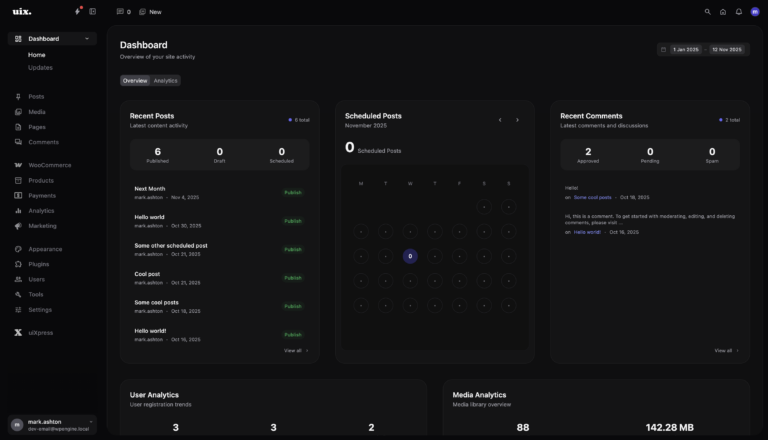
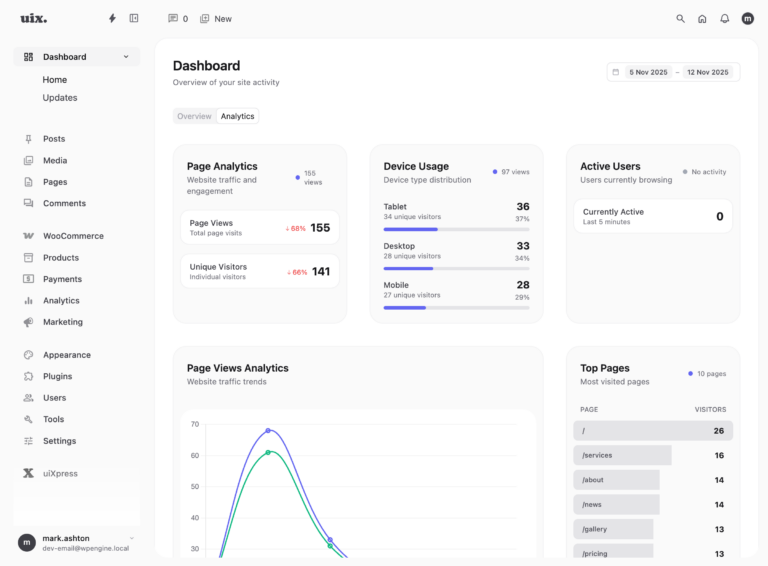
- Dashboard. Remove WordPress News, At a Glance, and leftover welcome panels. Put support hours, a short guide, and the metrics they actually care about in their place.
- Menu. Hide plugin, theme, and settings items the client should not touch. Rename the items they will use.
- Copy. Replace leftover “WordPress” strings and plugin names that leak the stack.
- Footer. “Site maintained by your agency” is more useful than the default thank-you line.
If any of those still show default branding, the white label is incomplete.
Why agencies bother
White label is not vanity. It reduces support and makes retainers easier to renew.
- Fewer dangerous clicks. A client who cannot see Plugins will not install a free slider from a pop-up ad.
- Clear ownership. When the login screen and dashboard carry your agency mark, you are the support path.
- Role-appropriate UI. Editors should see writing tools. Shop staff should see orders. Nobody needs the full Administrator map.
- Consistent delivery. The same branded admin across twenty client sites is faster to train than twenty slightly different dashboards.
Pressable and other hosts have been writing about this for years for a reason: handover quality is part of the product. The WordPress 7.1 design tokens make it easier to theme new React admin panels. They do not white-label the existing dashboard for you.
A practical white-label checklist
Use this on the staging site before the client ever sees production.
- Create a non-administrator role for the client. White label without a role editor still leaves the keys on the table.
- Brand the login page with their logo and your support link.
- Replace the admin favicon so browser tabs do not all say “WordPress.”
- Build a dashboard around their work: traffic, orders, scheduled posts — not core widgets.
- Hide or rename menu items they should not use.
- Walk the admin as that user and screenshot anything that still says WordPress, WooCommerce developer names, or your internal plugin titles.
Text replacement is the step most teams skip. Plugin names leak. So do help links and empty states.
White label WordPress with uiXpress
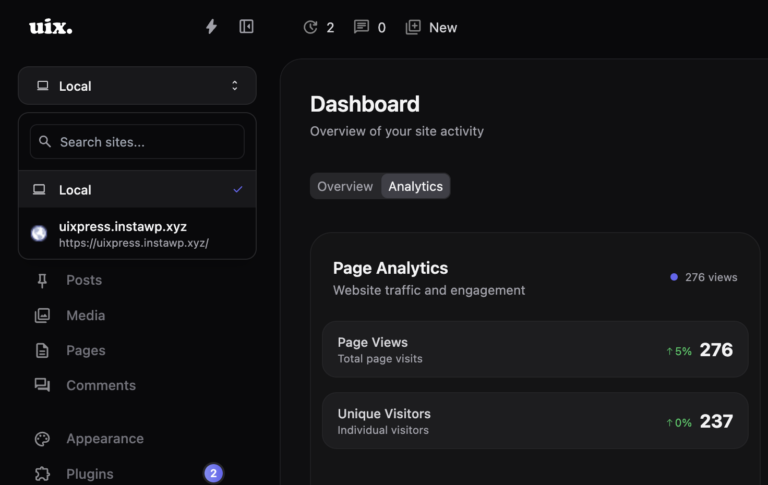
uiXpress is built as a modern WordPress admin theme with agency white-label controls: custom admin favicon, plugin renaming, and find-and-replace pairs that run across admin copy. Combined with the custom dashboard and role editor, you can hand over a branded workspace instead of a cleaned-up wp-admin.
Typical agency setup:
- Force a light or dark theme so every client user sees the same UI.
- Rename uiXpress itself if the client should only see your product name.
- Replace “WordPress” in visible admin strings where it still appears.
- Point the dashboard at privacy-first analytics and scheduled content, not a WordPress news feed.
That is a different offer from “we installed a login customizer.” You are delivering an admin that looks like software you made for them.
What not to hide
White label is not the same as locking the client out of their own site. They should still be able to:
- Create and edit the content they own
- See enough analytics to trust the retainer
- Reach you without hunting through plugin menus
Hiding WooCommerce while they run a store, or hiding users while they have a team, creates tickets. Hide capability, not responsibility.
White label vs a custom-coded admin
You can white-label WordPress with login_headerurl, admin_footer_text, and a mu-plugin full of remove_menu_page calls. That works until the next core release moves a menu, a plugin registers a new top-level item, or the person who wrote the snippet leaves.
A dedicated admin theme keeps those controls in one place and applies them after updates. If you already want a modern WordPress admin UI, white label should live there — not in a second plugin you forget to copy onto the next build.
See the uiXpress dashboard and role editor if you want the branded admin and the permission model in the same product.