Introducing Admin Framework: WordPress Admin, Rebuilt
wp-admin hasn’t fundamentally changed in over a decade. It works, but it was never designed for the way people actually manage WordPress sites today — teams with different roles, sites running WooCommerce alongside SEO tools alongside cachi...
8th of July, 2026 6 min read uiXpress
wp-admin hasn’t fundamentally changed in over a decade. It works, but it was never designed for the way people actually manage WordPress sites today — teams with different roles, sites running WooCommerce alongside SEO tools alongside caching plugins, agencies managing dozens of installs. Every plugin bolts on its own settings page with its own design language, and the result is a patchwork that gets harder to navigate with every activation.
That’s the problem Admin Framework is built to solve.
What is Admin Framework?
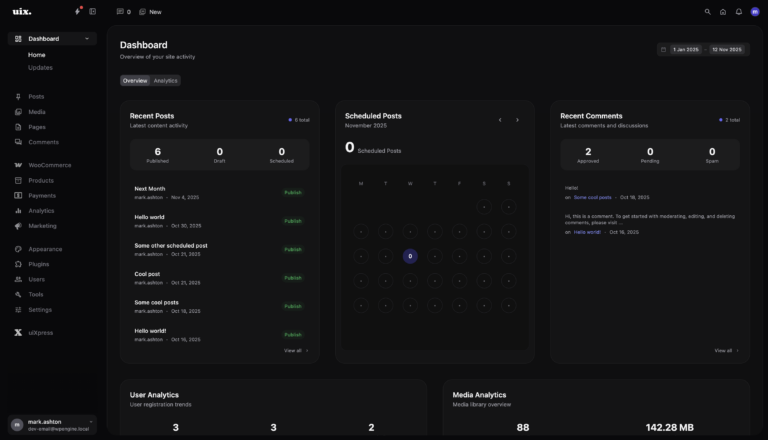
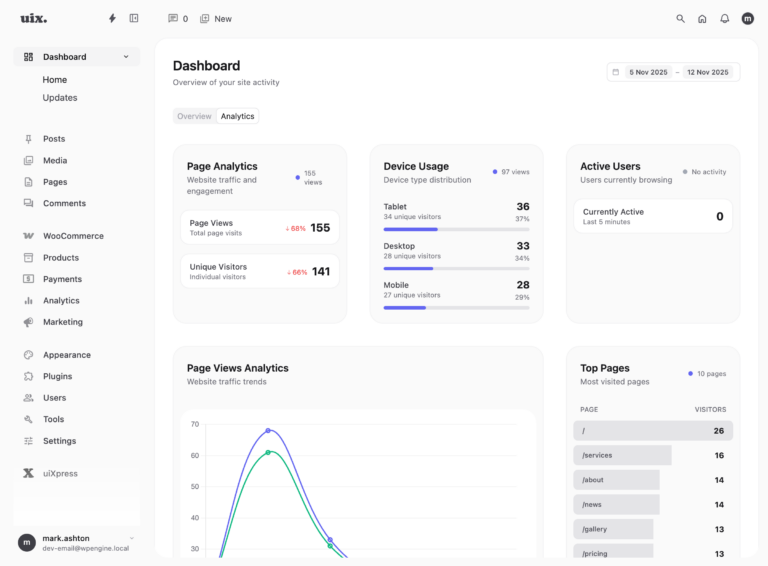
Admin Framework is a standalone admin experience that replaces wp-admin entirely. It’s a Vue 3 single-page application served at its own URL — by default /uix-admin/ — with its own navigation, its own layout system, and its own approach to building admin screens.
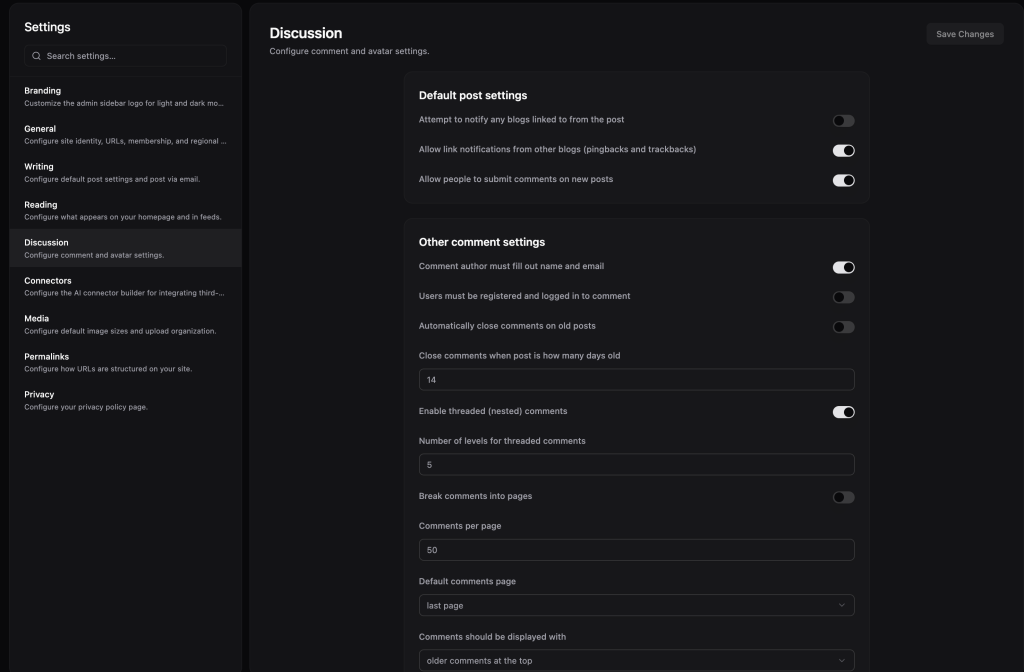
The key difference from everything else in this space: most of the UI isn’t hard-coded. Screens are declarative JSON view definitions — structured documents that describe what a screen should show, where the data comes from, and what actions are available. A built-in render engine takes those definitions and produces the actual interface. List views, detail pages, edit forms, dashboards — they all come from the same engine.
This means you can define an entirely new admin screen for a custom post type, a WooCommerce product list, or a plugin’s settings page without writing a single Vue component. Describe it in JSON, register it, and the engine builds it.
The three pillars
1. Declarative views
A view definition is a JSON file that describes a screen. It specifies the data source (a WordPress post type, a REST endpoint, an internal provider), the layout (list, detail, form, dashboard), and the nodes that make up the UI — tables, grids, charts, stats cards, tabs, modals, form fields, and about twenty other types.
Views support field binding, conditional visibility, formatters, and declarative actions like save, delete, navigate, and REST calls. The render engine handles the rest. You don’t need to think about state management, API calls, or component rendering — you describe what you want, and the engine produces it.
For most use cases, you won’t even need to write these by hand. Admin Framework includes auto-discovery: it inspects your site’s REST schema, detects editor modes, maps taxonomy facets, and suggests list, detail, and form screens automatically.
2. The render engine
The render engine is what makes declarative views work. It takes a JSON view tree and recursively renders it into a full UI using a library of around 25 node types. Tables with sortable columns and pagination. Grids with configurable layouts. Charts and stat cards for dashboards. Tabs, drawers, and modals for complex workflows. Repeater fields and related lists for nested data. Async action buttons that call REST endpoints and handle responses.
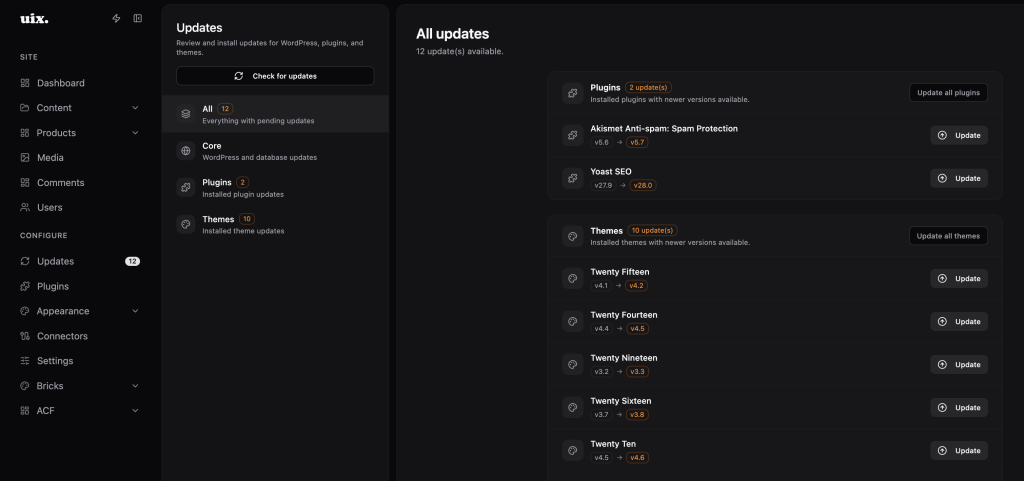
One engine powers every screen in Admin Framework. The built-in managers — Dashboard, Content, Media, Plugins, Themes, Users, Comments, Updates, Profile, Settings — all run on the same render engine that your custom views use. There’s no distinction between “core screens” and “custom screens” at the rendering level.
3. Connectors
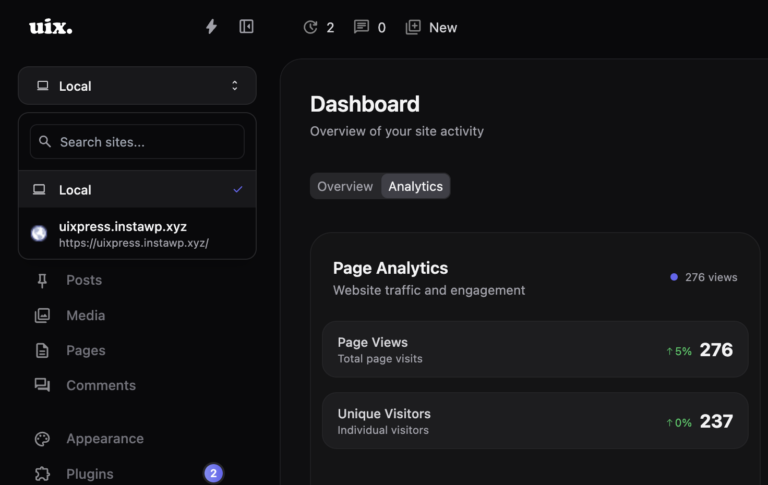
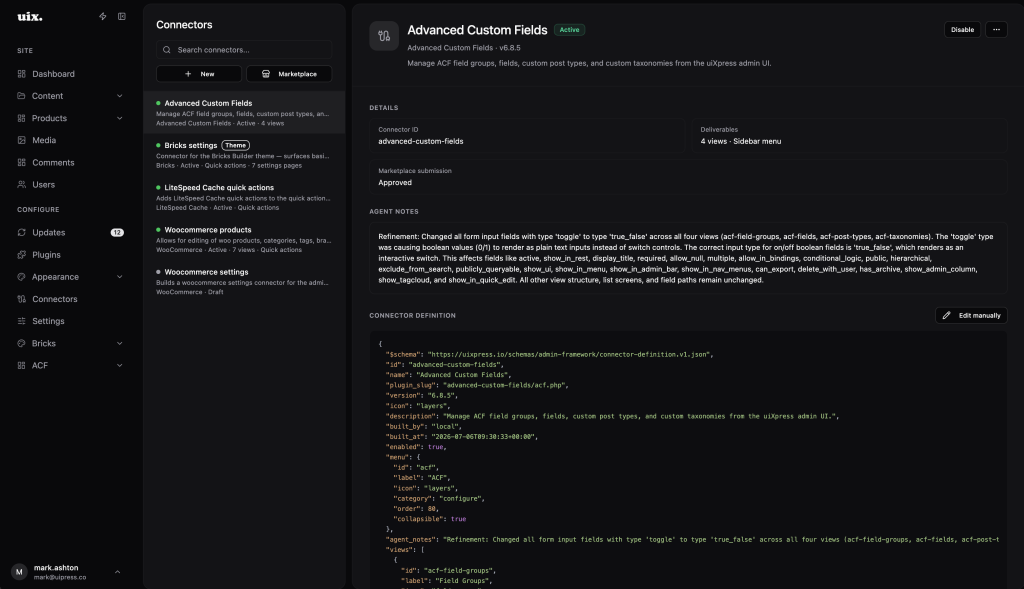
Connectors are how third-party plugins and themes integrate with Admin Framework. A Connector is a JSON definition that bundles everything a plugin needs to live inside the admin: views (full admin screens), settings pages, sidebar menu groups, quick actions (the bolt-icon actions panel in the sidebar), and user form extensions.
A single WooCommerce Connector, for example, can ship product and order list views, a WooCommerce settings page, quick actions for cache purging or stock syncing, and additional fields on the user edit form — all registered through one definition file, all merged into the admin at runtime.
Connectors can be hand-authored, installed from the Connector marketplace, or generated automatically using the AI Connector Builder, which inspects a plugin’s REST API and produces a working Connector definition. Enable a Connector and its views, menus, and actions fold into the admin. Disable it and they disappear. No code changes, no redeployment.
Extensible at every layer
This is the part I’m most proud of. Admin Framework isn’t a closed UI that you’re stuck with as-is. Extension points exist at every level of the stack:
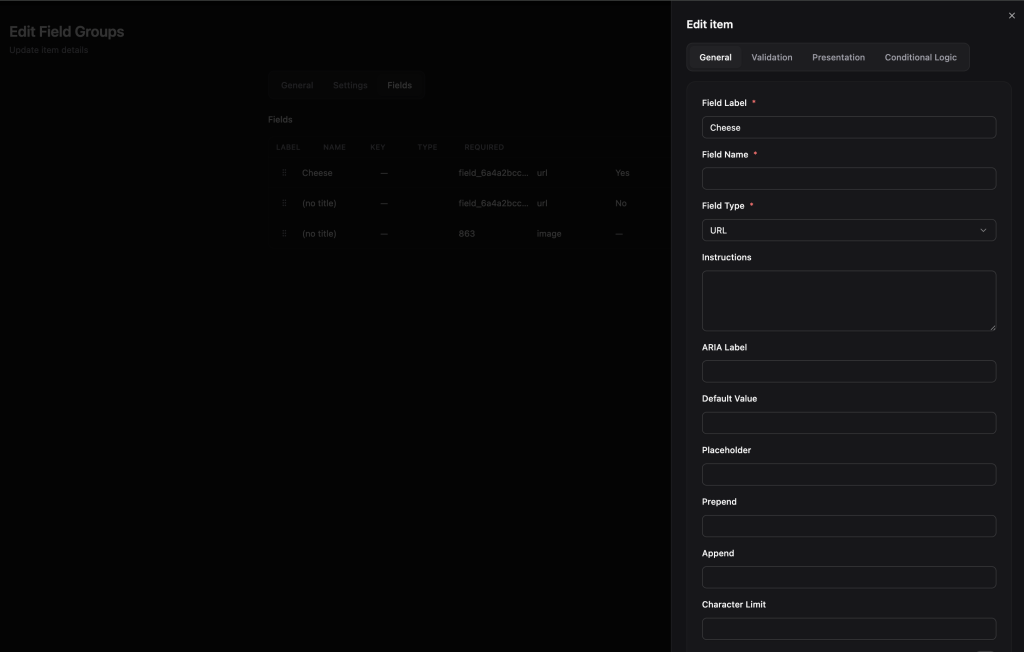
JSON definitions — Register new views and settings pages by dropping in JSON files. No Vue components required for standard CRUD screens.
PHP filters and actions — Register views, sidebar items, settings pages, quick actions, connector action handlers, user form nodes, content row actions, and schema modifications through WordPress filters. If you’ve ever used add_filter, you already know how this works.
JavaScript hooks — Client-side extension mirrors the server. Register sidebar items, dashboard cards and categories, and field adapters at runtime. Dashboard widgets can be Vue or React components.
REST API — A unified REST surface powers the SPA and exposes view registries, schema discovery, internal CRUD, settings, connector management, and content configuration to external tooling.
Connectors as the integration unit — One Connector definition can ship views, settings, actions, user form extensions, and sidebar groups. It’s the cleanest way to integrate a plugin without touching Admin Framework’s core.
The result is that you can go from “I need an admin screen for this custom post type” to a working list/detail/form UI without writing any frontend code. And if you need something the render engine doesn’t cover, you can drop down to Vue components, React widgets, or server-side action handlers.
What about wp-admin?
It’s still there. Admin Framework replaces the shell and most management screens, but wp-admin remains available as a compatibility layer. Gutenberg and the Site Editor run in stripped iframes inside Admin Framework. Legacy plugin pages that haven’t been Connector-ised are accessible through wp-admin. You can set which roles get redirected to Admin Framework and which stay on wp-admin — administrators can access both.
The mental model is simple:
/uix-admin/  →  Admin Framework (modern shell, JSON views, Connectors)
/wp-admin/   →  Legacy layer (Gutenberg, Site Editor, unconverted plugin pages)
Admin Framework replaces wp-admin for your team. It doesn’t replace WordPress.
Beta — what that means
Admin Framework ships today as an opt-in beta in uiXpress 1.3.0. You can enable it in uiXpress settings, configure your route and redirect roles, and start using it immediately with the built-in managers and any available Connectors.
Beta means a few things:
- The core experience is stable and usable for daily admin work
- The view definition schema and Connector format may evolve based on feedback before we lock them down
- The Connector marketplace is early — official Connectors for major plugins are rolling out over the coming weeks
- We’re actively looking for feedback on what works, what’s missing, and what Connectors you need first
If you’re running uiXpress, update to 1.3.0 and turn it on. If you’re building plugins and want to ship a Connector, the definition format is documented and the AI Connector Builder can get you started in minutes.
What’s next
The roadmap from here is driven by two things: stabilising the view definition and Connector schemas based on real-world usage, and shipping official Connectors for the plugins people use most. WooCommerce, Yoast, WP Rocket, ACF, Gravity Forms — if your plugin has a REST API, it can have a Connector.
Admin Framework is the biggest thing I’ve shipped in uiXpress. It’s the difference between a better-looking wp-admin and a genuinely different approach to WordPress administration. I’m excited to see what people build with it.
Enable it in uiXpress 1.3.0 and let me know what you think.